
Turn a Photo into a 9:16 AI Short: Start-Frame Workflow
Turn a vertical still into a phone-ready AI short in OpenVideos Create: 9:16 crop, motion-only prompts, start-frame-video category, and registry credit anchors for Seedance v1.5 Pro and Hailuo 02.
Published Aug 3, 20267 min read
Result and prerequisites
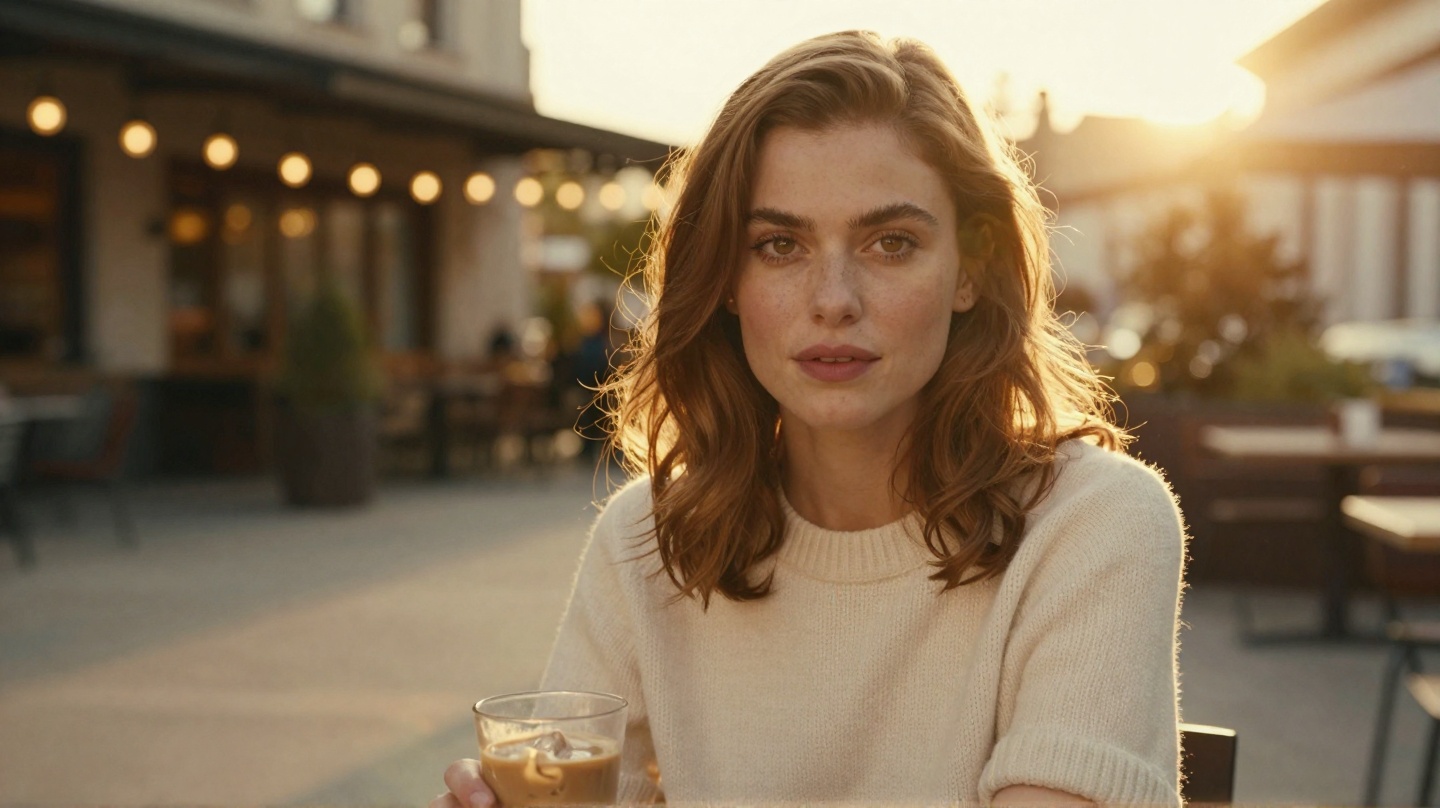
You end with a short vertical clip where the first frame is a still you already like: same face, same outfit, same key light, with one small subject action and one camera move that reads on a phone screen.
This workflow is for creators who already have a vertical photo strong enough to post alone and want it moving for Reels, TikTok, or YouTube Shorts. If you have no still yet, only a vibe, start with How to Make Cinematic AI Video for text-to-video, then use the beat sheet in AI Short Video Prompts 9:16.
Prerequisites:
- An OpenVideos account with enough credits for one video job. The signup bonus is 50 credits for 30 days; the cheapest vertical path below is 75, so check your balance first.
- One still that holds up at phone size.
- A 9:16 crop done before upload, or the willingness to lock that crop in Create.
Product path: Create category start-frame-video (Image → Video). Marketing hub: /image-to-video (preselects hailuo-02-i2v). Credit packs: /pricing.
What "photo to 9:16 short" means here
In OpenVideos terms this is image-to-video with a start frame at 9:16, not a magic "make my photo a movie" button. The still carries the identity; the prompt carries only motion and placement.
| Keep from the still | Add in the prompt |
|---|---|
| Face, hair, outfit, pose | One primary subject action (look up, lift the cup, hair drift) |
| Framing and eyeline | One primary camera move (slow push-in, locked-off, gentle tilt) |
| Key light and location | Vertical placement ("face in the upper third") and a quiet lower band |
If the prompt re-describes the subject, wardrobe, and light the photo already shows, the model receives two competing briefs. That is the usual reason a good still turns into a different person mid-clip.
Input prep: is the photo vertical-ready?
Reject the still before you spend video credits if any of these are true:
- Face unreadable at phone size (heavy crop, sunglasses plus shadow, motion blur).
- Hands dominating the frame with messy fingers (i2v amplifies hand errors).
- Readable signage behind the subject (text morphs; crop it out).
- Multiple competing subjects when you only want one hero.
- Extreme wide shot with a tiny face (motion drifts to the background).
For a 9:16 job, the still should also pass the vertical test: the face sits in the upper third, the lower third stays quiet enough for captions and UI, and there is negative space in the direction the camera travels. A landscape photo cropped into a tall strip often leaves the head half-out; re-crop for the phone, then upload.
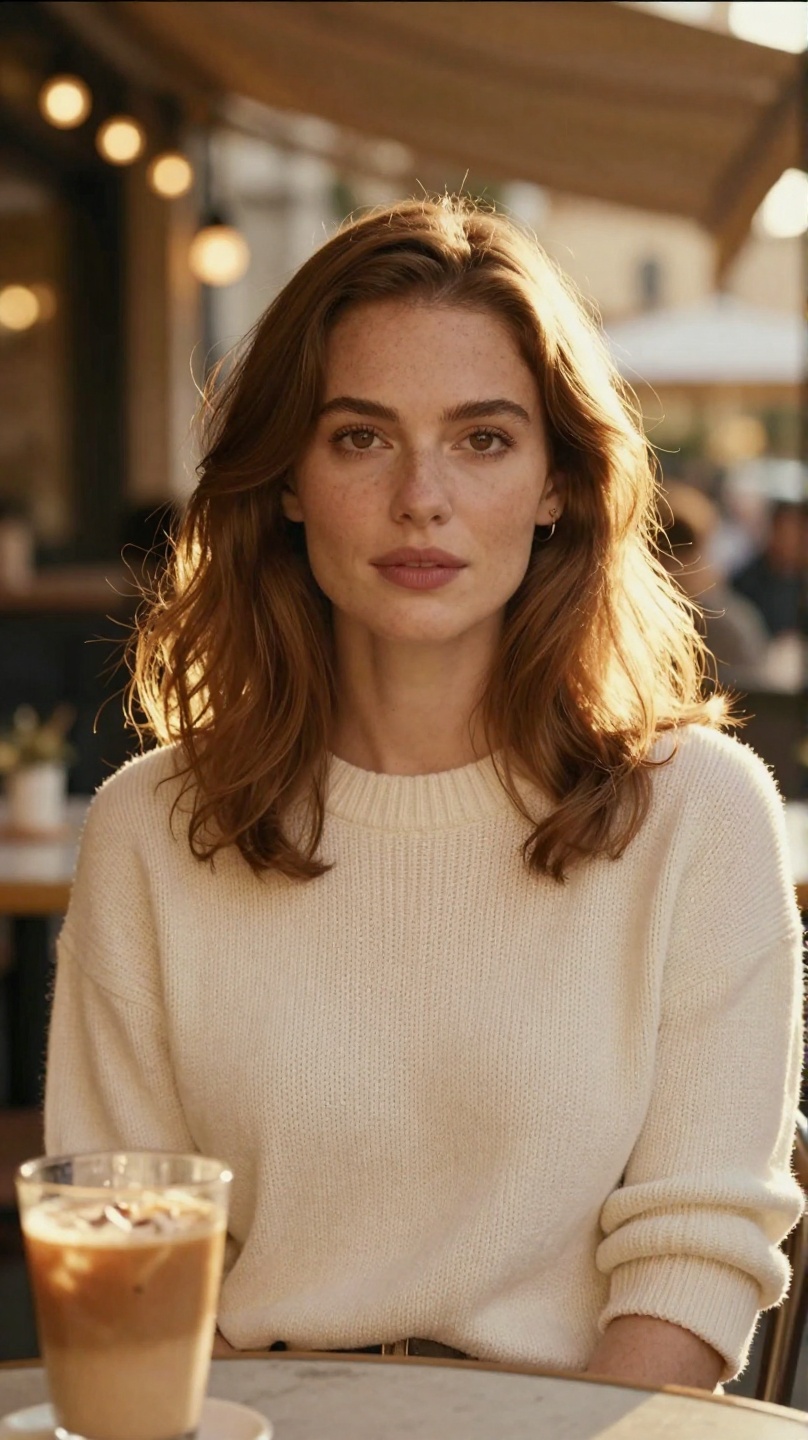
Treat the still as locked production art. The video job handles motion, not a costume redesign.
Workflow (≥5 steps)
1. Lock and pre-crop the still
Save the exact file you will upload and crop it to 9:16 in your editor. Keep the face above the middle of the frame and leave the bottom band empty. If you are still fixing beauty, wardrobe, or light, stay on an image model; video credits should not pay for identity fixes.
2. Open Create on start-frame-video
In Create, select start-frame-video (Image → Video), not text-to-video. Browse models in this category currently include seedance-2-i2v, wan-2-5-i2v, hailuo-02-i2v, and seedance-v1-5-pro-i2v-720p (conf/modelCatalog.ts). For a native vertical output, pick a model whose registry schema exposes aspect_ratio with 9:16: seedance-v1-5-pro-i2v-720p or seedance-2-i2v. Note the registry tip on seedance-2-i2v: it supports anime and AI characters only, so for a real-person photo the clean default is seedance-v1-5-pro-i2v-720p.
3. Upload the first frame
Upload the cropped still into the first-frame control. Registry / UI field names you may see: first_frame_image (primary), plus aliases img_url / image depending on the model schema. One image, already vertical. No collage.
4. Write a motion-only prompt with vertical placement
Use this skeleton (copy and fill; Create prompts work in English):
Keep the same woman, cream knit sweater, and golden café light from the start frame.
Compose for a phone: face in the upper third, quiet lower band for captions.
Camera: slow push-in over 5 seconds, stabilized, ending on a medium close-up.
Subject: she lifts the coffee cup slightly, holds eye contact, a few hair strands catch the breeze.
Natural skin texture, filmic grain, restrained color grade.
No text, no watermark, no logos, no morphing hands, no second person entering frame.
The vertical placement lines matter more than the aesthetic words: they tell the model to keep the face high and the bottom band empty, which is what makes the clip fit a phone feed without an editing re-crop.
Prompt formula detail (text vs image paths): How to Write AI Video Prompts.
5. Set 5 seconds, 9:16, audio off; read the credit total
Set duration 5, aspect 9:16, audio off for the first take. Registry cost anchors (re-check Create before submit; formulas can change):
| Model id | Example settings | Registry credits |
|---|---|---|
seedance-v1-5-pro-i2v-720p | 5s, 9:16, audio off | 75 (5 × 15) |
seedance-v1-5-pro-i2v-720p | 5s, 9:16, audio on | 150 (5 × 30) |
seedance-2-i2v | 5s, 480p | 260 (5 × 52) |
seedance-2-i2v | 5s, 720p | 350 (5 × 70) |
hailuo-02-i2v | 768p | 200 |
hailuo-02-i2v | 1080p | 300 |
wan-2-5-i2v | 5s, 480p | 140 |
wan-2-5-i2v | 5s, 720p | 260 |
For cheap motion tests, prefer Seedance v1.5 Pro i2v, 5s, 9:16, audio off (75). Pack math and lot expiry: AI Video Credits Explained.
6. Generate one take; check the phone framing, not just the face
Submit once. Watch for identity drift, hand morph, and camera jitter, and also check the vertical layout: the head should stay in the upper third and the bottom band should stay quiet. Do not queue five parallel jobs with the same broken prompt.
7. Diagnose, then change one variable
| If this fails | Change this next | Leave alone |
|---|---|---|
| Face drifts mid-clip | Shorter action; stronger "same person / same outfit" line | Location rewrite |
| Head gets cropped | Re-crop the still looser; keep face in the upper third | Model switch |
| Soap-opera jitter | One camera move only; remove dance verbs | Resolution jump |
| Background wanders | Tighter still crop; ban "pan across the street" | Prompt length |
| Caption area busy | Move subject up in the still; simplify the background | Audio settings |
Only after a clean vertical take should you raise duration, resolution, or add audio.
Checkpoint list
Before you call the job done:
- The still alone looks postable at 9:16.
- The crop is locked: face in the upper third, quiet lower band.
- Category is
start-frame-video, nottext-to-video. -
first_frame_image(or alias) is the exact cropped file. - The prompt names one camera move, one subject action, and vertical placement.
- Create credit total matches your budget (compare to the soonest-expiring lot).
- First take reviewed for face, hands, and phone framing before a second spend.
Common failures (boring, repeatable)
Cropped a landscape photo into a skinny strip. A wide shot re-cropped to 9:16 loses the face or cuts hands. Fix: re-compose for the tall frame before upload, or start from a portrait orientation still.
Re-described the whole scene. The still already has the café and the knit. The prompt should not invent a beach. Fix: delete subject and environment sentences that duplicate the photo.
Asked the model to render text. "Add the caption 'new drop'" puts text rendering into a video model. Fix: keep the prompt text-free and add captions in your editor after generation.
Signup-bonus surprise. 50 credits will not fund a Hailuo 1080p experiment (300) or a Seedance 2.0 720p take (350). Fix: use the 75-credit path first, or buy a pack on /pricing.
Limits
- This is a workflow, not a multi-model benchmark. No ranked "best photo-to-video model" claim without a logged same-still study.
- Credit numbers above are Model Registry formulas as of 2026-08-03. Trust the live Create total.
seedance-2-i2vis registry-tipped for anime and AI characters; do not assume it handles a real-person photo.- First + last frame is a different category (
start-end-frame-video) and belongs in a separate workflow post. - Generation is credit-metered. This article does not promise free vertical video.
Weak next step
Open Create on start-frame-video, upload your cropped 9:16 still, paste a motion-only prompt with "face in the upper third, quiet lower band", choose seedance-v1-5-pro-i2v-720p at 5s, 9:16, audio off, confirm 75 credits (or whatever Create shows), and run a single take.
Related: /image-to-video · /ai-short-video-generator · AI Short Video Prompts 9:16 · Animate a Photo into Cinematic AI Video · /pricing.
Related posts
Workflow
Animate a Photo into Cinematic AI Video: Start-Frame Workflow
Turn a keep-worthy portrait still into a short cinematic clip in OpenVideos Create: start-frame-video category, motion-only prompts, failure checks, and registry credit anchors for Seedance and Hailuo.