
AI Short Video Prompts for 9:16: A Timed Beat Sheet That Works
Write vertical AI short prompts with a timed beat sheet, native 9:16 framing, and a verified Seedance 2.0 10s fashion transformation example—including credits.
Veröffentlicht 29. Juli 20266 Min. Lesezeit
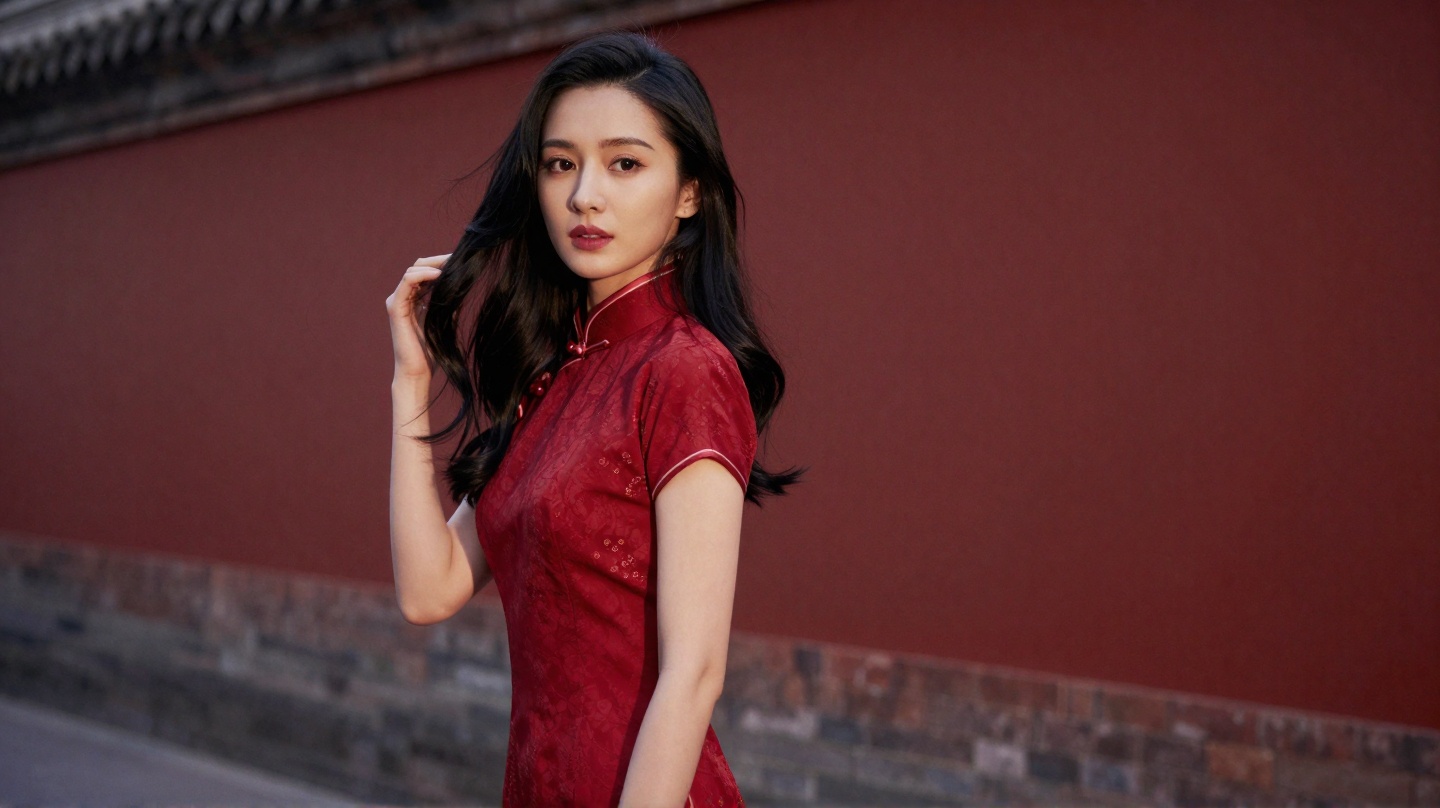
Vertical shorts need a different prompt, not a cropped widescreen one
If you generate a 16:9 clip and crop it for TikTok, Reels, or YouTube Shorts, the model composed for a wide stage. Heads get clipped, hands leave the frame, and the “hero” action sits in the wrong third of a phone screen.
A stronger default for short-form is to write and generate natively at 9:16. On OpenVideos that means setting aspect_ratio to 9:16 in Create—not only mentioning “vertical” in the prompt text.
This guide is for creators who want one short clip with clear pacing: a hook, a payoff beat, and a pose that reads on a phone. It uses a verified Seedance 2.0 text-to-video run (Chinese fashion transformation, 10 seconds, 9:16) as a complete example. It is not a multi-model benchmark.
For general prompt anatomy (subject, action, camera, light), see How to Write AI Video Prompts. For the broader cinematic workflow, see How to Make Cinematic AI Video. Product entry for short-form generation: /ai-short-video-generator.
The timed beat sheet (for 6–15s clips)
Most weak short prompts try to narrate an entire music video in one paragraph. A timed beat sheet keeps one continuous subject while changing what the camera and costume do on a clock.
Use this skeleton:
[Title / vibe line]
0s–Xs, [Shot size + eye line], [Look A + one action + light]
Xs–Ys, [Camera move], [Transition / look B + contrast]
Ys–Zs, [Pull back or hold], [Finale pose + light accent]
Rules that keep the clip readable on a phone:
| Rule | Why it matters in 9:16 |
|---|---|
| One subject identity | The tall frame magnifies face and costume; identity drift looks like a different creator mid-scroll |
| One location | Location jumps read as hard cuts the model did not plan |
| Explicit shot sizes per beat | Medium → close-up → medium gives a hook without editing |
| One primary camera move per beat | Competing pans and zooms smear on a narrow frame |
| Costume/light change on a named second | Matches how people watch Reels: change on the beat |
You can remix the aesthetic (streetwear, beauty, product unbox). Keep the clock + shot + change structure.
A verified 10s example (Seedance 2.0 · 9:16)
We ran the following on OpenVideos with Seedance 2.0 (seedance-2-t2v) as text-to-video.
| Setting | Value |
|---|---|
| Model | seedance-2-t2v (Seedance 2.0) |
| Category | text-to-video |
| Duration | 10 seconds |
| Resolution | 480p |
| Aspect ratio | 9:16 |
| Audio | generate_audio: true |
| Seed | 218800776 |
| Registry credits | 520 (10 × 52 at 480p; see formula below) |
Verified output (9:16, 10s):
Full prompt used:
Chinese Style Internet Celebrity Beauty 10s Transformation
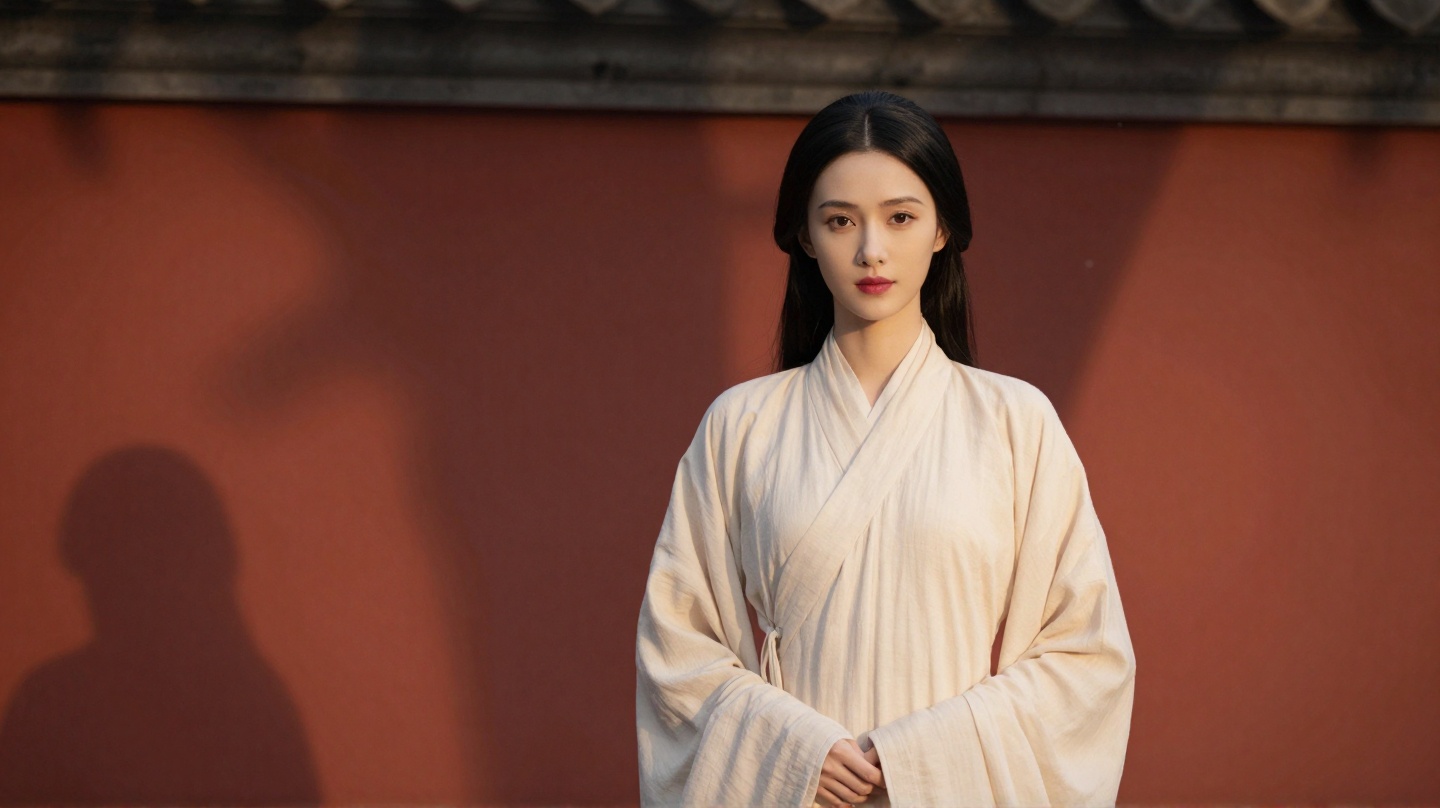
0s-3s, Medium Shot Eye Level, A beauty wearing a plain-colored ruqun stands in front of a red wall, her wrist gently turning to lift the skirt hem slightly, warm light slanting to outline her silhouette, ancient poetic style
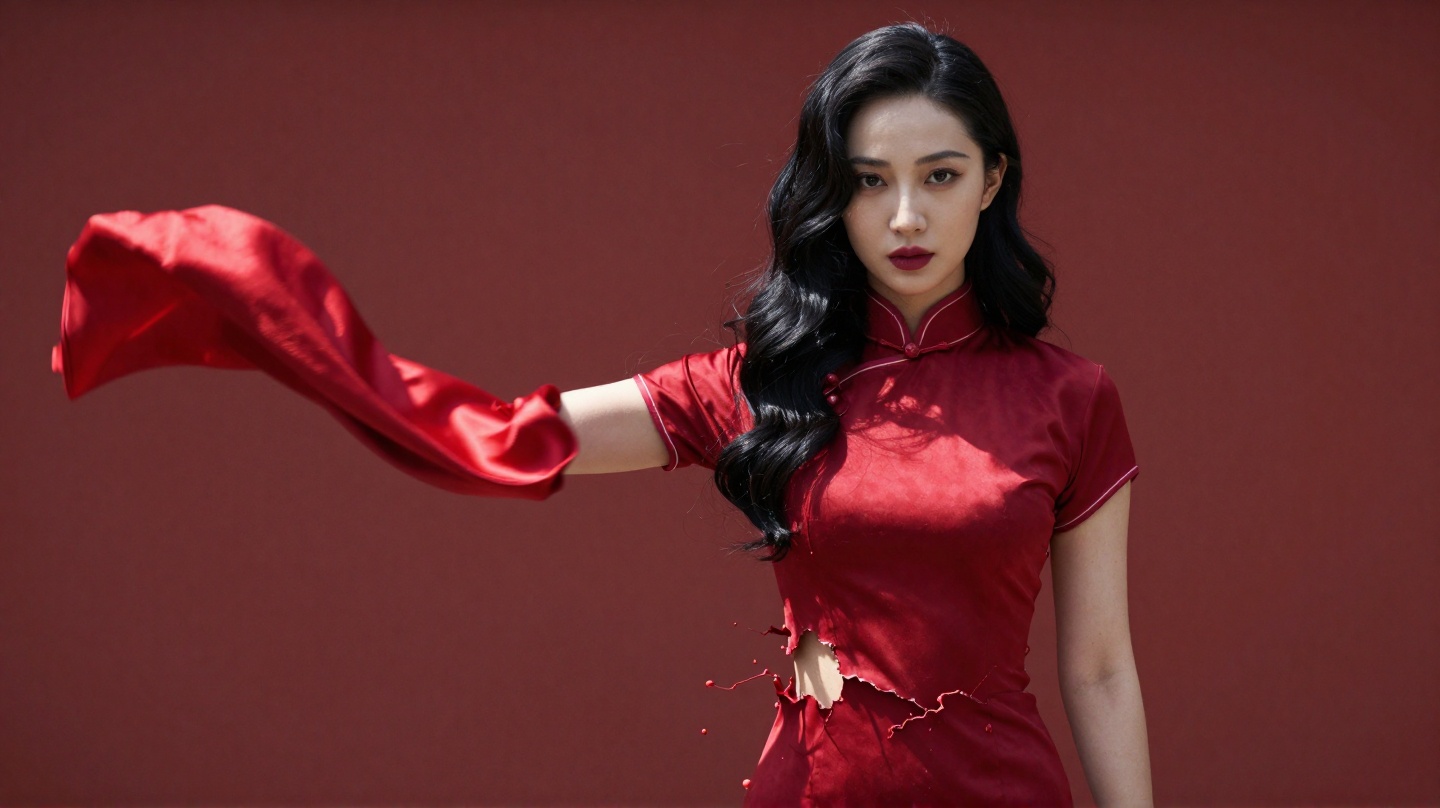
3s-7s, Camera quickly pushes to close-up, The instant the beauty turns and flings her sleeves, the plain skirt tears and splashes out red silk, in flashing strong light the cheongsam clings tightly to her figure revealing itself, strong light and shadow contrast, Chinese trendy mix-and-match style
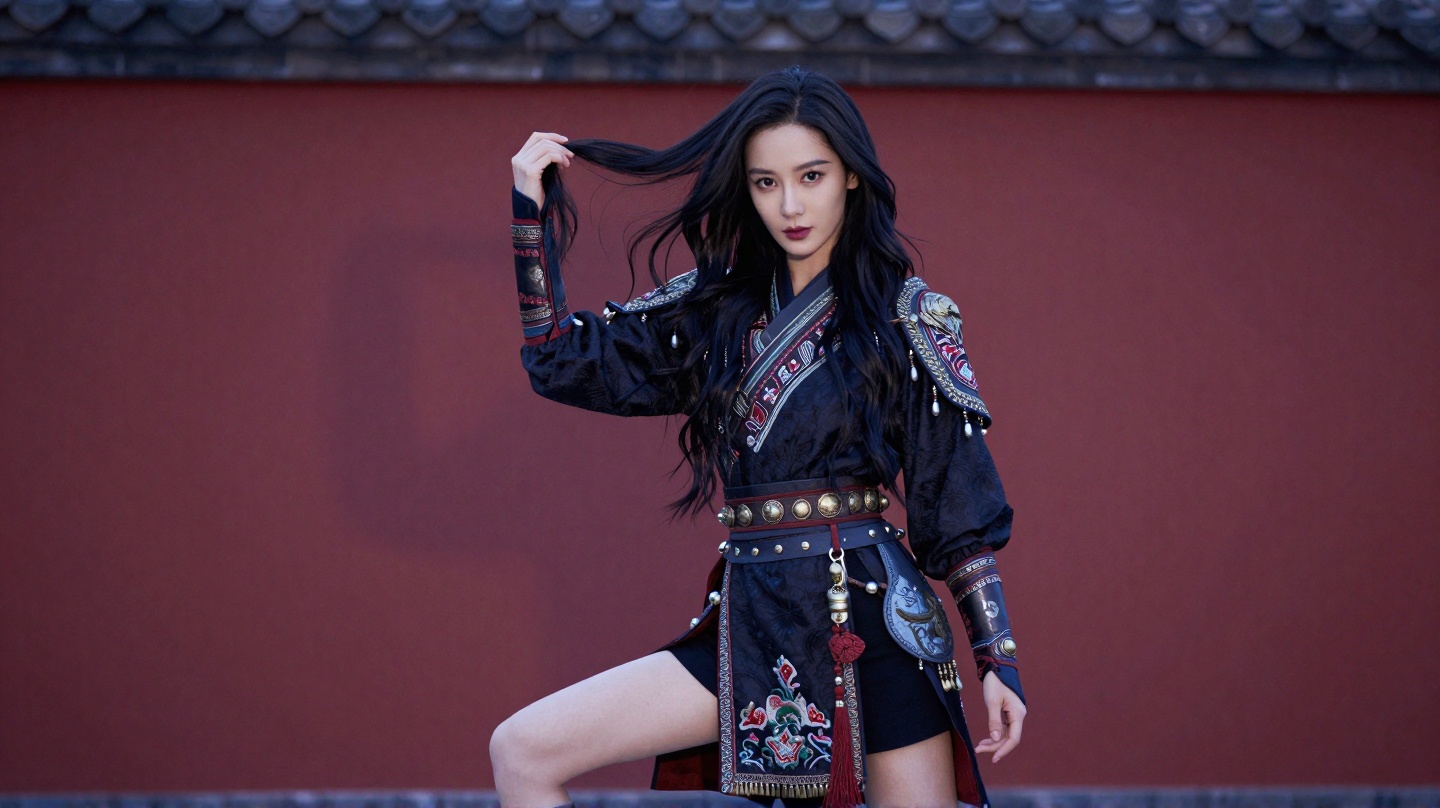
7s-10s, Camera pulls back to medium shot, The beauty bends one knee and raises her hand to tousle her hair, the cheongsam transforms into a short embroidered battle outfit, waist tassels sway with the movement, cold light accents metal decorations, dashing Chinese style
That is the whole job: three beats, one courtyard, one woman, escalating costume and light. Credits for this model are calculated in the registry as duration × (52 if 480p else 70). Always confirm the live credit total in Create before you submit—pricing packs live on /pricing.
Beat-by-beat: what each line is doing
Editorial stills below illustrate the three looks. They are teaching frames for this guide, not frames pulled from the video file. Use the player above for motion and timing.
Beat 1 — 0s–3s: establish identity in a tall frame
| Prompt cue | Job in the short |
|---|---|
| Medium shot, eye level | Face and torso fill a phone without an accidental wide establishing shot |
| Plain ruqun + red wall | Simple silhouette so the later costume hit reads as a change |
| Wrist lifts the hem | One small action—enough motion for three seconds |
| Warm slanting light | Soft “before” grade so beat 2’s hard light feels like a cut on energy |
Beat 2 — 3s–7s: the scroll-stop transition
| Prompt cue | Job in the short |
|---|---|
| Quick push to close-up | Uses vertical real estate; eyes and fabric dominate the feed |
| Tear / splash into red silk | Names the transformation moment on a clock |
| Cheongsam “clings” + hard light | High contrast sells the genre shift (poetic → trendy) |
This is the beat Western feeds reward: a clear before/after inside one clip, without needing a second take.
Beat 3 — 7s–10s: end on a pose that loops
| Prompt cue | Job in the short |
|---|---|
| Pull back to medium | Reveals the full new costume after the close-up |
| Knee bend + hair tousle | A readable end pose for looped autoplay |
| Cold light on metal | New light language signals “finale,” not a repeat of beat 1 |
Ending on a still-friendly pose also helps when you grab a thumbnail for the post.
Compose for 9:16 inside the prompt
Aspect ratio alone does not fix composition. Add spatial language the model can follow:
- Prefer medium or close-up over wide landscapes unless the subject is huge in frame.
- Put the face in the upper third; leave a quiet band at the bottom for captions and UI.
- Favor vertical motion (push-in, pull-back, hair/tassel sway) over long lateral pans.
- Keep backgrounds simple (a wall, a doorway, a single practical light)—busy streets fight the tall crop.
- Do not ask the model to render readable captions or logos; add text in CapCut / your editor.
If you are adapting a landscape idea, rewrite the shot sizes first, then set 9:16. Do not only append “vertical video” to an old widescreen prompt.
Failure patterns (and the smallest fix)
| What you see | Likely cause | First fix |
|---|---|---|
| Head or feet cropped oddly | Widescreen composition habits | Restate medium/close-up + upper-third face |
| Costume change is muddy | No timed beat / too many events | Split into 2–3 clocked beats; one change per beat |
| Feels like a different person mid-clip | Identity under-specified across beats | Repeat the same beauty anchors in every beat |
| Motion feels random | Camera and subject fight | One camera verb + one body action per beat |
| Looks soft / low impact | Flat light across all beats | Change light language when the look changes |
| Credits surprise you | Resolution or duration shifted | Re-check Create; 720p costs more than 480p on this model |
Remix the beat sheet without copying the whole aesthetic
The Chinese transformation is one viral pattern. The reusable template is:
- Look A (calm, readable) for ~30% of the clip
- Transition (camera push + costume/light hit) for ~40%
- Look B / pose for the final ~30%
Swap in: coffee-run → night-out outfit; gym kit → stage look; product box → unboxed hero hold. Keep the red-wall courtyard only if you want that world—otherwise change the setting in all three beats together.
Limits
- This article documents one successful Seedance 2.0 job. It does not rank models or claim the same prompt behaves identically elsewhere.
- Wall-clock generation time was not logged for this write-up; do not treat any third-party “minutes” figure as ours.
generate_audio: truewas used on this job; treat audio quality as model-dependent, not guaranteed for every prompt.
When you are ready to try the verified prompt (or your remixed beat sheet), open Create in text-to-video, choose Seedance 2.0 if available, set 9:16, and confirm credits before generate.
Related posts
Guide
AI Video Credits Explained: Signup Bonus, Packs, and Real Job Costs
OpenVideos uses credit lots with fixed expiry, not open-ended generation volume. See the 50-credit signup bonus, pack prices, FIFO spend, and registry example costs for image and video jobs.