
Model choice
Use GPT Image 2 when skin texture, hands, fabric and editorial lighting matter more than quick iteration.
Loading...
AI Style Preset
Create editorial portraits with Rembrandt lighting, natural skin texture, and magazine-ready composition — all from a text prompt.
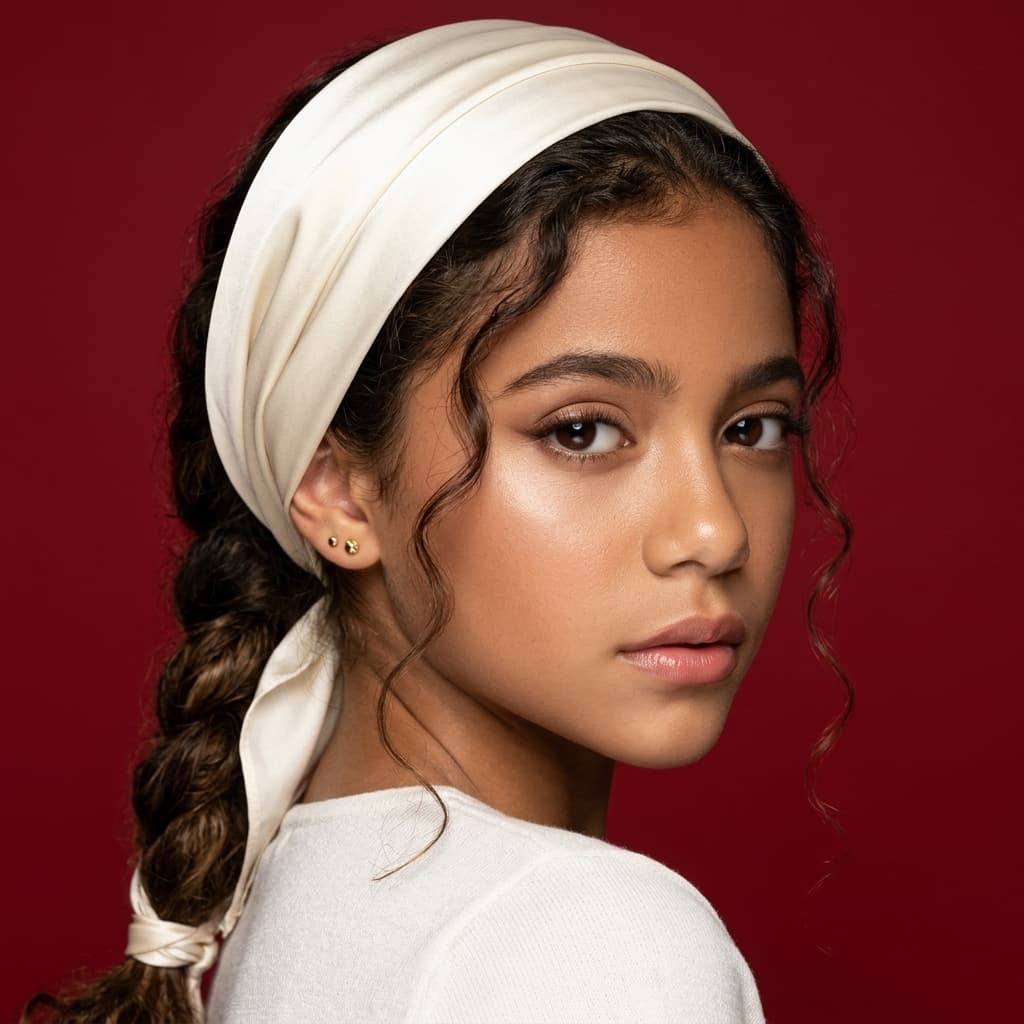
Portrait prompts work best when you specify lighting, lens feel, background, and mood. OpenVideos opens the global studio with a proven editorial preset so you can iterate instead of starting from zero.
Use GPT Image 2 for higher-fidelity faces and skin detail, or switch to Z Image Turbo when you need faster concept drafts before a final render.
Credits deduct on submit; estimates appear in Create before you generate.
Prompt decision notes
Use GPT Image 2 when skin texture, hands, fabric and editorial lighting matter more than quick iteration.
Name framing, lens feel, light direction, expression and background before adding quality words.
Avoid asking for multiple ages, outfits or moods in one portrait prompt; it weakens likeness and composition.
Style samples
Curated subset for this page. See the full gallery on the image generator hub.
Featured models
Credit estimates, sample prompts, and Create presets for each model family.
Text to image
Default model gpt-image-2-t2i. Credit estimates, samples, and Create preset for image generator.
→Text to image
Default model nano-banana-2-t2i. Credit estimates, samples, and Create preset for image generator.
→Photo edit
Default model seedream-4-i2e. Credit estimates, samples, and Create preset for image editor.
→Include lighting style, framing, background, expression, and texture words like editorial, shallow depth of field, or natural skin.
Yes. The studio opens with GPT Image 2 selected, but you can switch models or aspect ratio before generating.
For billing, models, and Works, see image generator FAQ
Plans
Use credits across AI video, image, short clip, and cinematic scene workflows. Choose the pack that matches your production volume.
New accounts get 50 free credits (30 days) — enough for about 5 AI images.
$12.90
1,000 credits · 30 days
$29.90
2,500 credits · 3 months
$79.90
10,000 credits · 6 months
$199.00
30,000 credits · 1 year
Secure checkout · Validity 30 days to 1 year
Start now
Pick a style or sample, edit the prompt, confirm credits in Create.