
One dominant effect
Ink splash, neon outline, or halftone poster — choose one street-art language per edit.
Loading...
Reference edit preset
Apply bold graffiti ink-splash stylization to a portrait reference — high contrast, streetwear energy, and dramatic monochrome treatments.
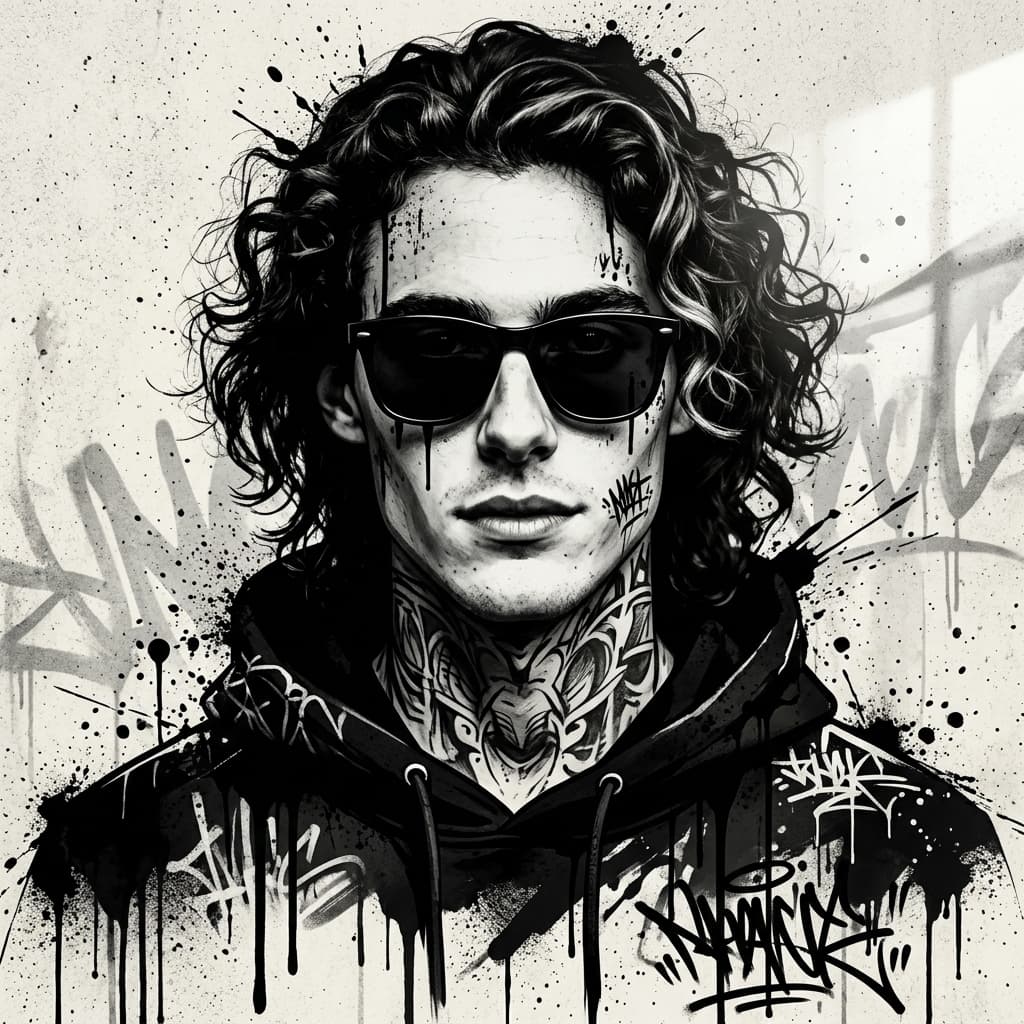
Stylize prompts work best when you pick one dominant effect language — ink splash, neon graffiti, or posterized contrast — instead of mixing three styles.
Seedream 4 Image Editor suits bold stylization. Start with a clear frontal or three-quarter reference for cleaner edge detection.
Credits deduct on submit; compare Seedream 4 vs Nano Banana if you need faster draft iterations.
Edit prompt tips
Ink splash, neon outline, or halftone poster — choose one street-art language per edit.
High-contrast monochrome often reads better on mobile than muted pastel graffiti.
If edges look muddy, try Nano Banana for a lighter pass before committing Seedream credits.
Edit samples
Curated edit prompts for this page. Upload your photo in Create after opening a sample.
More edit workflows
Seedream 4 handles dramatic stylization and high-contrast treatments. Switch models in Create if you need subtler retouching.
Yes. Download from My Works and use image-to-video with the still as a first-frame upload.
More questions on the image editor hub FAQ
Plans
Use credits across AI video, image, short clip, and cinematic scene workflows. Choose the pack that matches your production volume.
New accounts get 50 free credits (30 days) — enough for about 5 AI images.
$12.90
1,000 credits · 30 days
$29.90
2,500 credits · 3 months
$79.90
10,000 credits · 6 months
$199.00
30,000 credits · 1 year
Secure checkout · Validity 30 days to 1 year
Start editing
Open the studio, pick an edit model, and generate in the same OpenVideos workflow.