
1–10
Reference images
Upload photos in Create; samples only pre-fill the edit direction.
Loading...
Image to Image · AI Edit
Upload reference images, describe the transformation, and submit from Create.
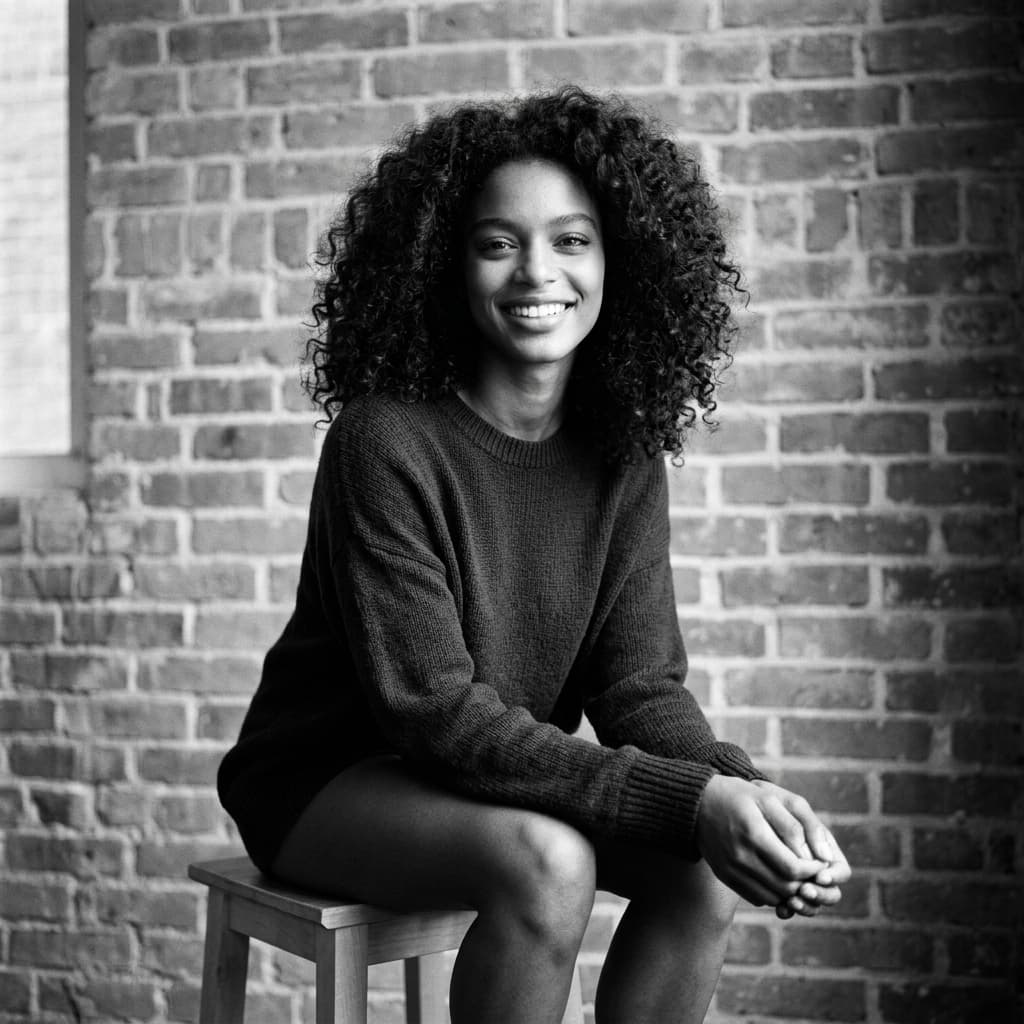
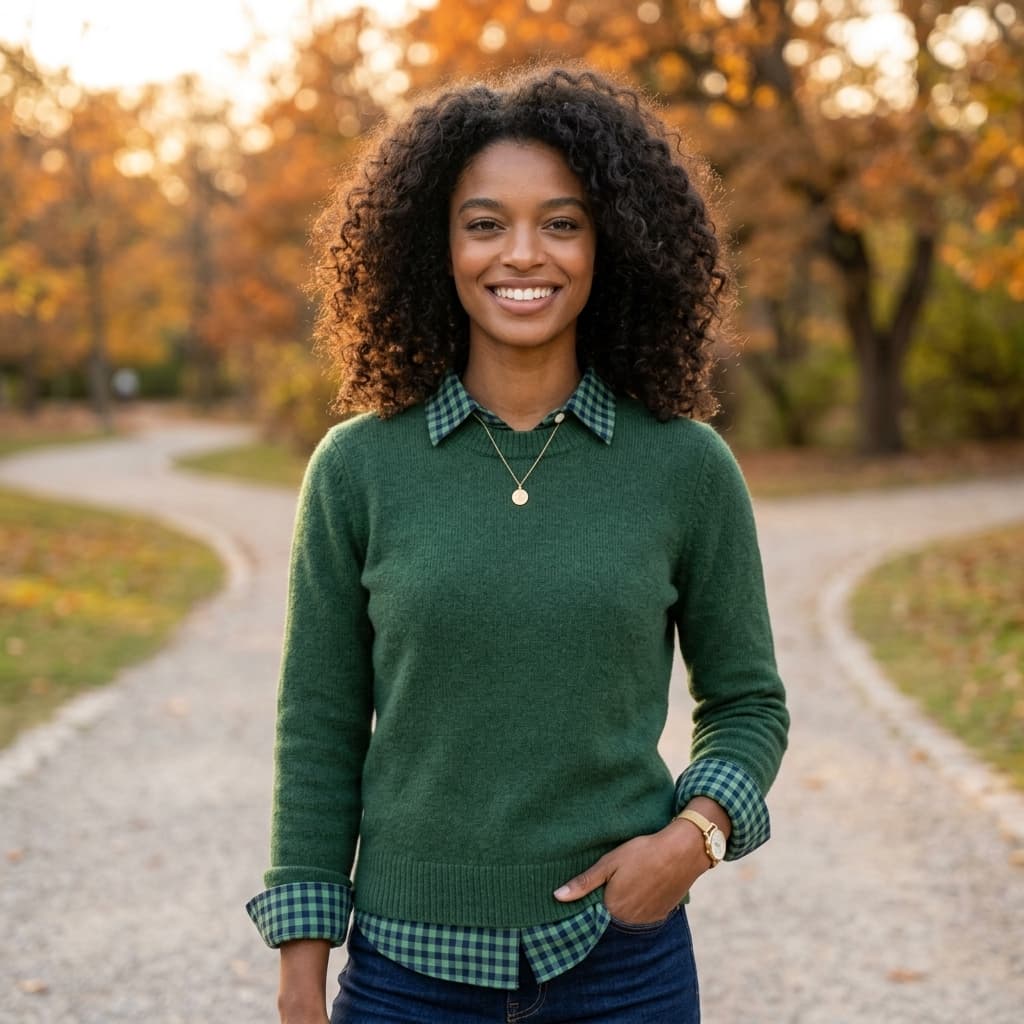
1–10
Upload photos in Create; samples only pre-fill the edit direction.
3
Nano Banana, Seedream 4 and GPT Image 2 Edit cover identity, stylization and polish.
Works
Edit jobs appear beside generated images and videos for preview and download.
Edit examples
Edit samples pre-fill prompts; you still upload your own reference photo.
Use cases
Each card opens the studio with a reference-edit prompt. Upload your photo, then generate.
Upload a photo and try on bridal gowns with locked templates — no prompt writing.
Blend two photos into beach, rooftop, café and more Western lifestyle couple scenes — no prompt writing.
Turn one selfie into outdoor, café, travel and studio dating-app profile looks — identity lock, no prompt writing.
Turn a reference photo into a high-end fashion collage poster with abstract brushes and bold typography.
Edit models
Pick the model that fits identity preservation, stylization, or premium retouching.
Strong all-round image editing with reference images — great for stylize, portrait, and playful transformations.
Reference-guided edits with bold stylization and dramatic visual treatments.
Higher-fidelity edits with quality controls — useful for headshots, fashion, and polished commercial looks.
How it works
Upload, prompt, generate, and download — all inside the same OpenVideos studio.
Add one or more reference images in the studio for identity or composition guidance.
Write what should change — style, wardrobe, background, or art direction.
Submit the edit job and track progress in My Works like any other generation.
Review the result, regenerate, or send the same settings back into Create.
Why edit here
This hub is for image-to-image. If you only have a text idea and no photo, use the text-to-image hub instead.
Editor models need image_urls. Samples pre-fill prompts only — they do not replace your photo.
Ask to preserve facial features when you need likeness; avoid conflicting wardrobe or age changes.
Edit jobs poll and download like any other generation task.
Use outputs as first-frame inputs without leaving OpenVideos.
Go further
Generate new visuals from text, turn edits into short clips, or top up credits when your workflow scales.
Featured models
Credit estimates, sample prompts, and Create presets for each model family.
Photo edit
Default model seedream-4-i2e. Credit estimates, samples, and Create preset for image editor.
→Text to image
Default model gpt-image-2-t2i. Credit estimates, samples, and Create preset for image generator.
→Text to image
Default model nano-banana-2-t2i. Credit estimates, samples, and Create preset for image generator.
→FAQ
Same wallet, different per-model costs. Create shows the estimate before submit.
No. You must upload your reference in Create before submitting an edit job.
GPT Image 2 Edit presets target studio lighting; Nano Banana is faster for iterations.
One job per Create submit. Regenerate from My Works or reopen Create with prior settings.
Plans
Use credits across AI video, image, short clip, and cinematic scene workflows. Choose the pack that matches your production volume.
New accounts get 50 free credits (30 days) — enough for about 5 AI images.
$12.90
1,000 credits · 30 days
$29.90
2,500 credits · 3 months
$79.90
10,000 credits · 6 months
$199.00
30,000 credits · 1 year
Secure checkout · Validity 30 days to 1 year
Start editing
Open the studio, pick an edit model, and generate in the same OpenVideos workflow.