
同一性を固定
クレヨン插画では「同一人物・同一ポーズ」を繰り返し。
読み込み中...
写真編集プロンプト
写真をクレヨン画に、隅に原稿 inset — Nano Banana Image Editor。
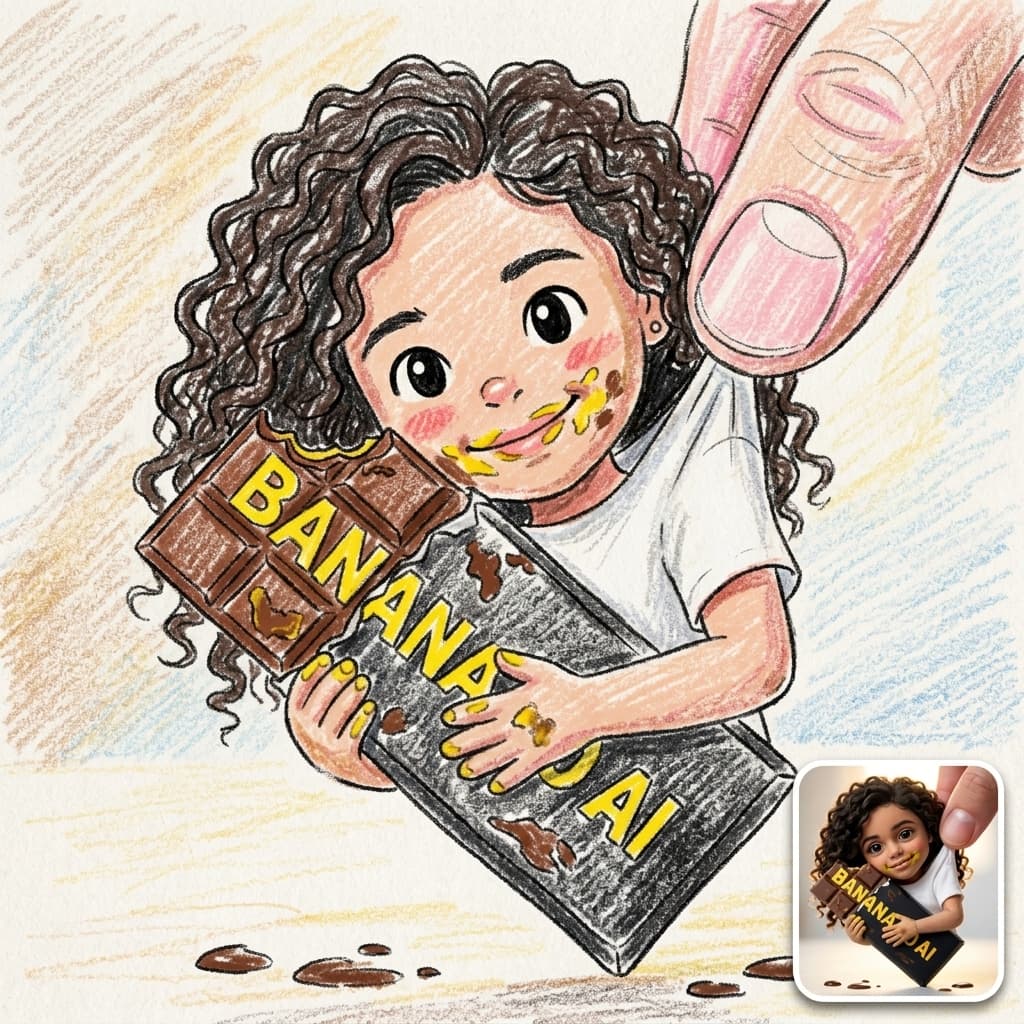
サンプルプロンプト
Transform the uploaded photo into a cute childlike crayon drawing while keeping the original pose, composition, clothing, expressions, and background. Use colorful wax-crayon and colored-pencil textures, messy scribbles, shaky outlines, and uneven coloring on textured paper. Simplify the faces into adorable cartoon-style characters with big eyes and rosy cheeks. Keep the mountains, lake, trees, clouds, and sky in a playful hand-drawn style. Add a small rounded-corner reference photo inset in the bottom-right corner showing the original image, with a white border and subtle shadow. Vibrant colors, charming, funny, handmade, high-detail crayon artwork.
ギャラリーの実サンプルです。クレジット確定前にCreateで被写体・照明・モデルを編集してください。
クレヨン插画編集はCreateで参照アップロード必須 — 維持する要素と変換内容を記述。
クレジットは1ジョブごと。Nano Banana、Seedream 4、GPT Image 2 Editを量産前に比較。
プロンプトの調整方法
クレヨン插画では「同一人物・同一ポーズ」を繰り返し。
明るくピントの合った参照が全エディタで有効。
FAQ
image-editorは画像to画像。プロンプトは参照への変換指示です。
白紙はimage-generator;このフローは写真必須。
Plans
AI動画、画像、ショートクリップ、映画風シーンのワークフローでクレジットを使えます。制作量に合うパックを選んでください。
$9.90
1,000クレジット
$99.00
11,000クレジット
$299.00
40,000クレジット
安全なチェックアウト · アカウントクレジット
Start creating
Open Create, adjust the sample, and confirm credits before you generate.